Visualizing results
This page has two uses, you can either visualize a local json output from the Bakta CLI, or you can reach these page by clicking on your Successful Bakta Web results.
Local results
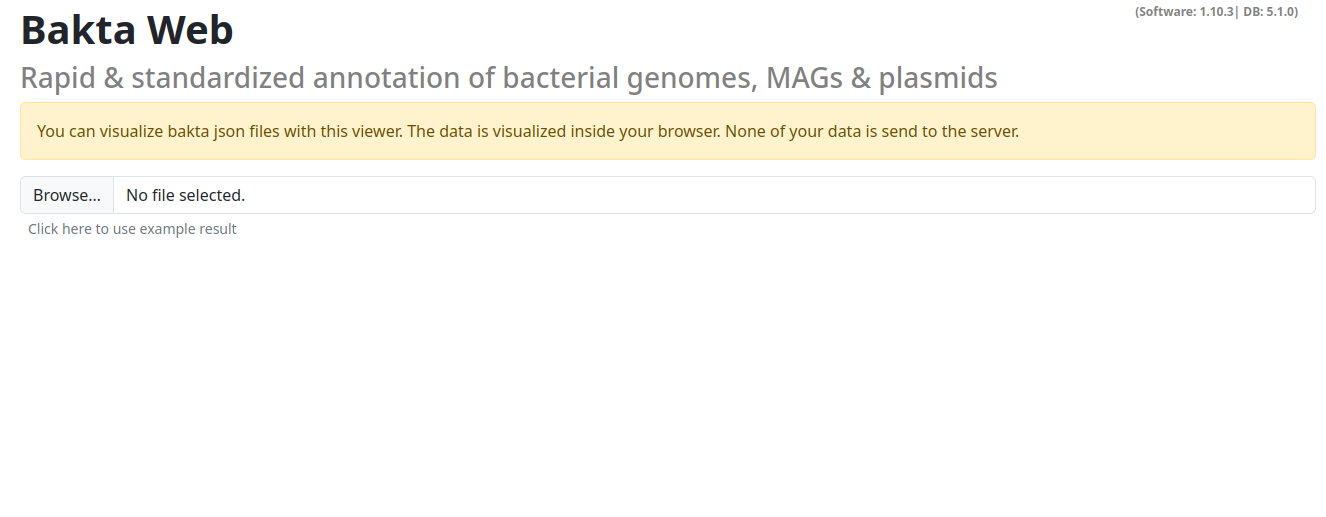
You can select a local json file here.
NOTE: This action does NOT upload any data, all visualizations are done in the browser on your local machine.
Results section
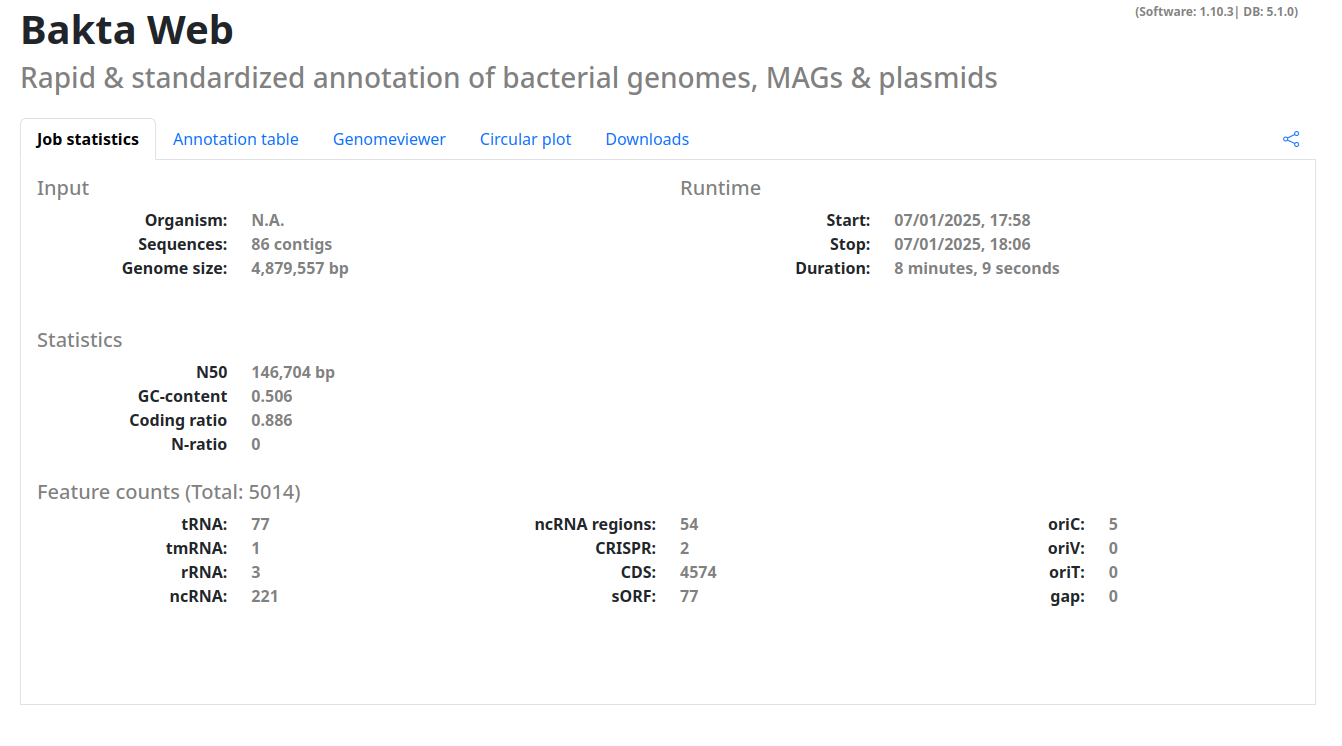
When you correctly specified a result to visualize you will by directed to a page with your results. This page is structured into multiple tabs with useful visualizations and information.
- Job statistics: Basic statistics of the job run (if available) and about your sequence, the number of annotated features etc.
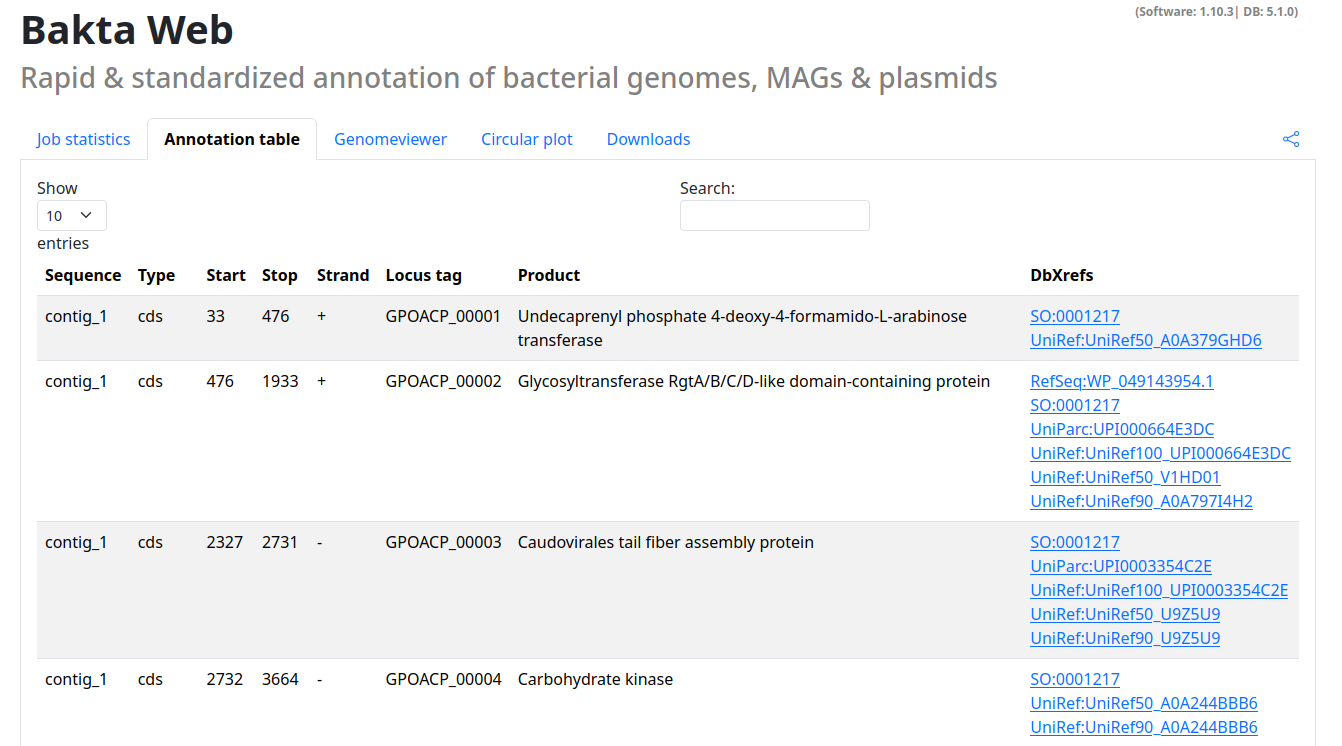
- Annotation table: A searchable table of all annotated features including cross-references to all available databases
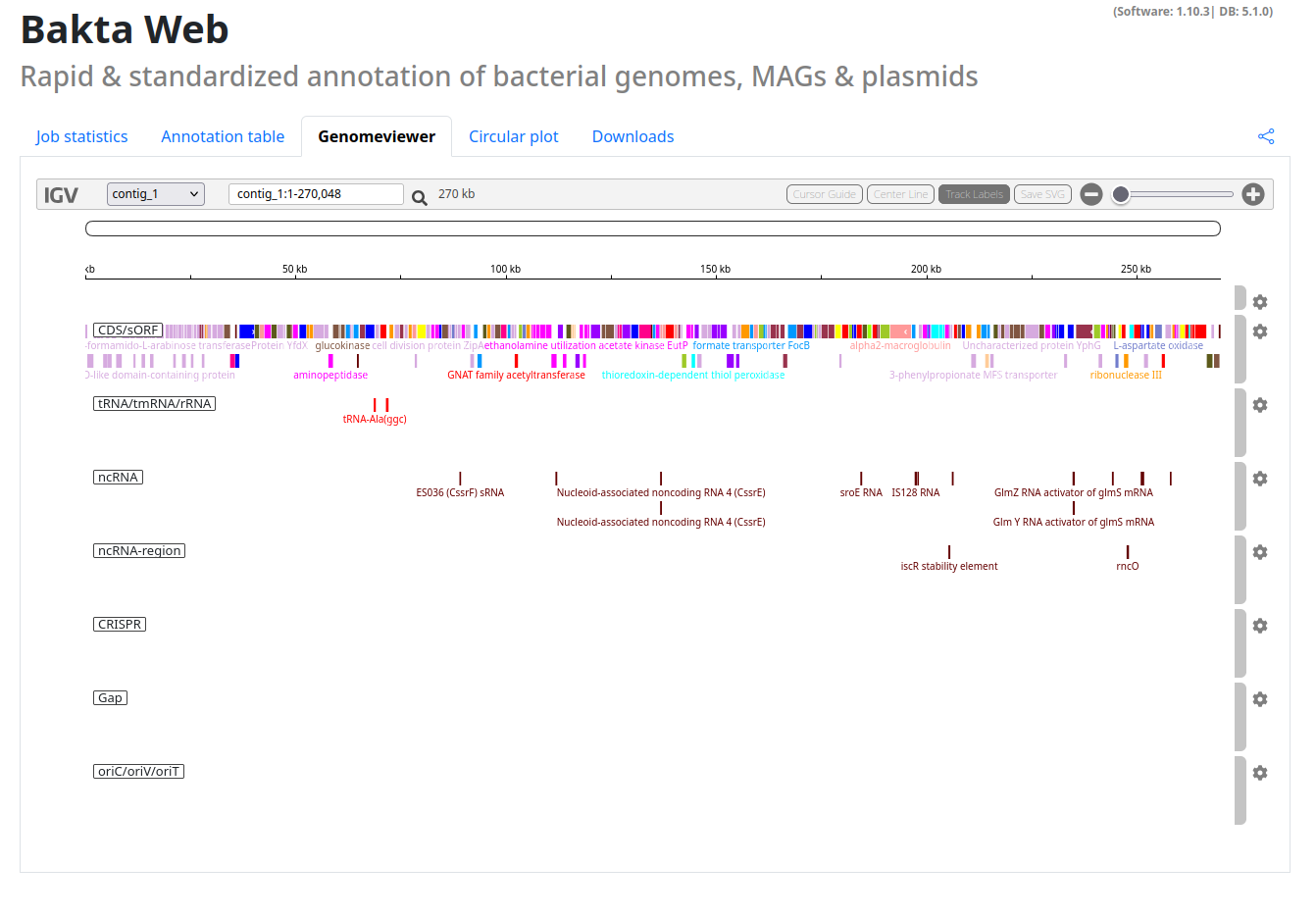
- Genomeviewer: An integrated IGV viewer to explore your annotated sequences.
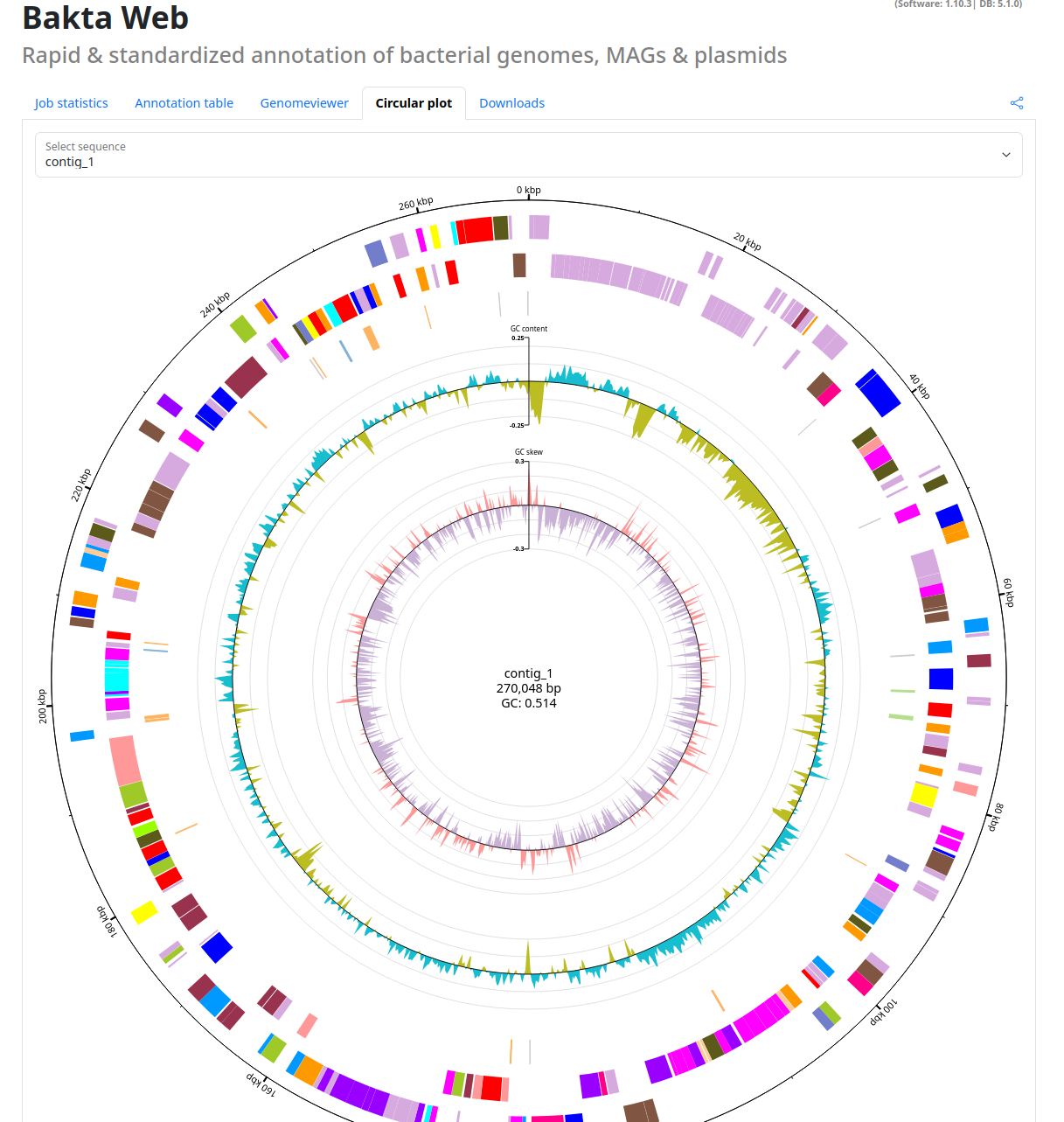
- Circular plot: An interactive circular plot of your annotated sequences.
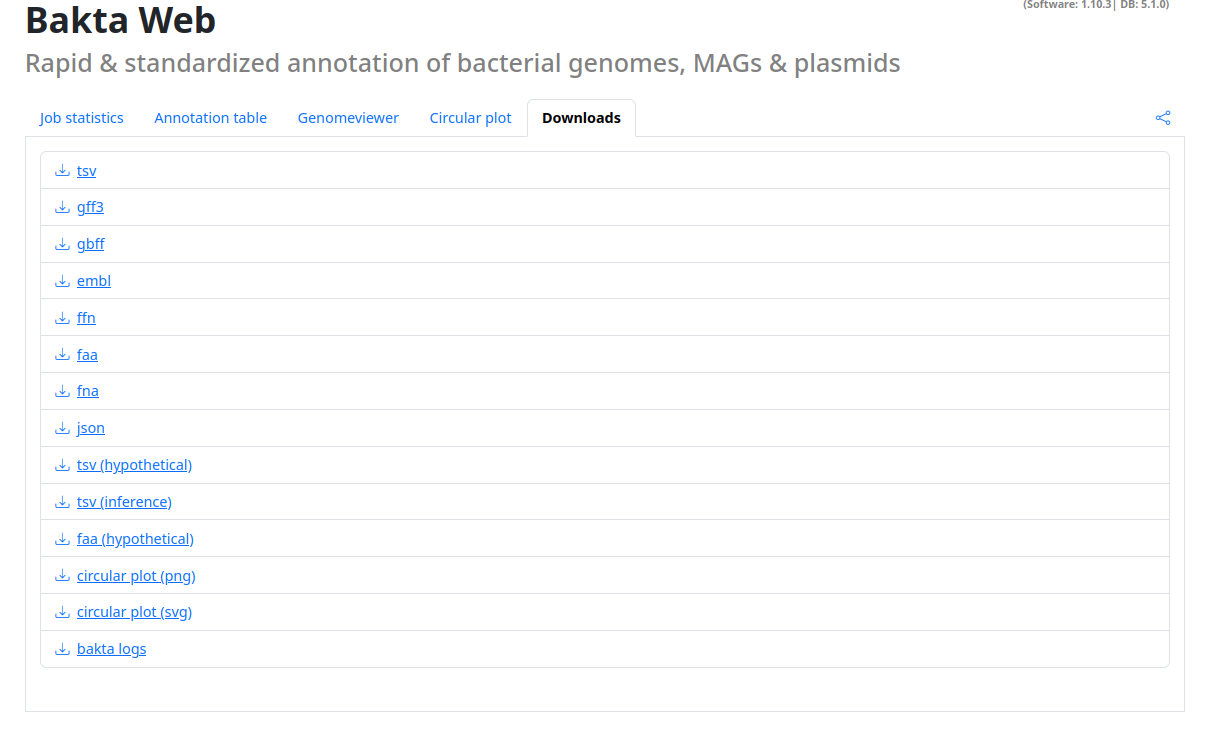
- Downloads: All Bakta output files as download for further processing.
Additionally this page contains a share button, with this you can share your annotation results to others.
NOTE: If you share the copied url you grant the recipient unrevokable access to this result.
Examples
Annotation table
Genomeviewer
Circular plot
Downloads