Monitoring progress
All of your current and past jobs can be viewed in the Jobs tab.
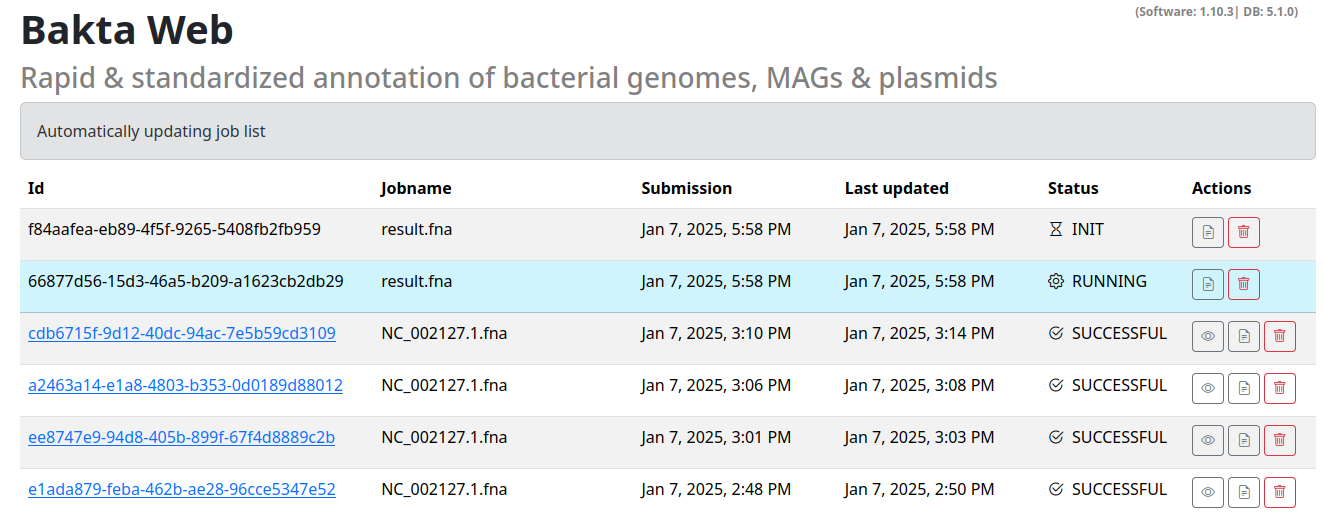
This list automatically updated jobs that have not yet finished.
The list contains the following options:
- Id: The job UUID this can be used to uniquely identify your job.
- Jobname: A human readable name for your sequence / job. Based on your filename or
Manually_entered_sequence_s/Manually_entered_sequencefor manually entered sequences - Submission: Timestamp of submission
- Last updated: When did this job receive the last update. Completed and failed jobs will not receive any updates.
- Status: The status of the job (INIT/RUNNING/SUCCESSFUL/ERROR).
- Actions: Actions for the specified jobs, view the stdout/stderr logs, permanently delete the job or view the results.
If the job was successful it will turn into a hyperlink to the result viewer section of this specific job.